Active codes
2
Active codes
2
Last verified
Expired codes
0
Community signal
Community signal pending
Recent change
Last verified 2026년 4월 8일. 2 active codes and 0 expired codes are listed below.
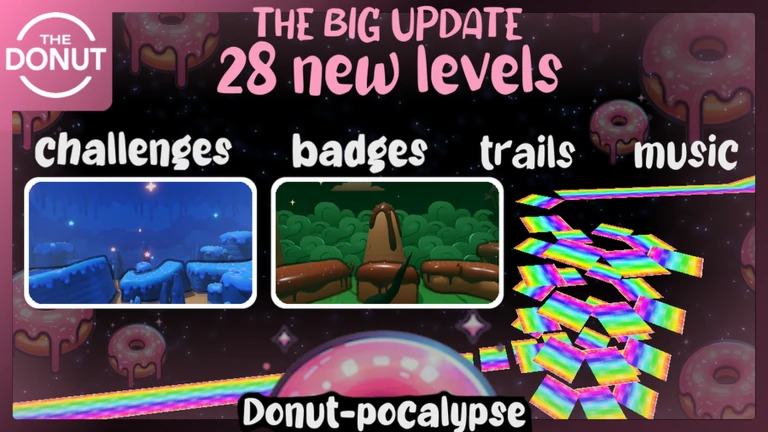
춤과 인터넷 유행어! 차원! 게임을 깨고 차원을 잠금 해제하세요! 또, 좀비 모드와 같은 게임 모드를 별로 잠금 해제하세요.
[업데이트] 코드 'Moon'으로 새로운 차원을 여세요! 코드 'OOF'로 유행어 외치기를 얻으세요!
빠르게 돌아가며 실력을 시험하는 재밌는 플랫포머 게임에 참여하세요! 달리고 파쿠르를 하여 깰 수 있는 30개의 독특한 레벨이 있어요. 각 레벨마다 고유한 음악과 풍경이 펼쳐져요. 마지막 레벨에 도달할 수 있을까요? 친구 또는 최단 시간 달성을 위해 레이스를 하고 타이머에 주목하세요. 행운을 빌어요!
개발 팀과 함께하기 https://www.roblox.com/My/Groups.aspx?gid=1234705
2
Moon Dimension.
OOOOOFFF Sound Effect.
0
현재 만료된 코드가 없습니다.
Follow these steps to redeem working 스피드런 4 codes in-game.
Open 스피드런 4 in Roblox and wait for the main game menu to load.
Find the in-game codes, rewards, or gift menu and paste one active code at a time.
Redeem the code and check the reward text below each entry if you need to confirm what it gives.
This game does not have a dedicated redeem-help link yet, so use the in-game code menu if one is available.
Rewards are deduped from active and expired code entries so you can scan common payouts quickly.
This page updates when codes are verified or the game data changes. Use the last verified date near the top as the freshest UTC check.
Open the game, find its codes or rewards menu, and redeem one code at a time. If a redeem-help link is available above, use it for game-specific steps.
Developers usually disable codes after updates, events, or reward windows close. Expired codes stay listed here so players can quickly confirm what no longer works.
Scroll to the Expired 스피드런 4 Codes section on this page. Active codes are listed first, and expired ones stay grouped lower on the page.
Community votes help show whether players are still redeeming a code successfully. Reliability appears when enough vote data is available.